Setting up a Charity Live Stream using Tiltify on Twitch, Facebook or Youtube

You can also use the Feeding America Tiltify URL:
https://tiltify.com/feedingamerica/bite-the-bullet-1/start/type

OR
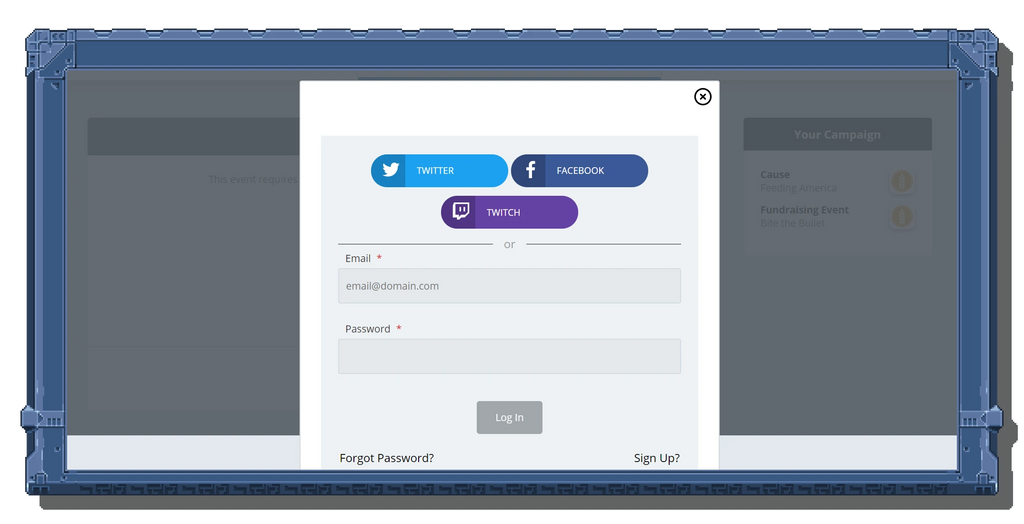
2. Click "Get Started," and search for the charity you want to support.
You can register for Feeding America directly at:
https://tiltify.com/feedingamerica/bite-the-bullet-1


OR

3. The platform lets you choose to support an event already happening for your selected charity, or it lets you register as an individual and support your charity directly.

OR

4. Enter the requested information.

5. Click "Create Campaign" then "Publish Campaign"!
(Before publishing, you may have to confirm your account via your email.)

THEN

6. In your Campaign's Dashboard, there are links where you can copy your Campaign URL for sharing and your Donate URL to put the donate button onto your Twitch page.

7. Stream your game on a site like Twitch, YouTube, or Facebook.

8. Share with your followers and on social media.

9. RAISE FUNDS FOR YOUR CHARITY!